A Beginner's Guide to Computer Networking
Discover the essentials of computer networking, from basic concepts to setting up your own network, in this beginner-friendly guide.
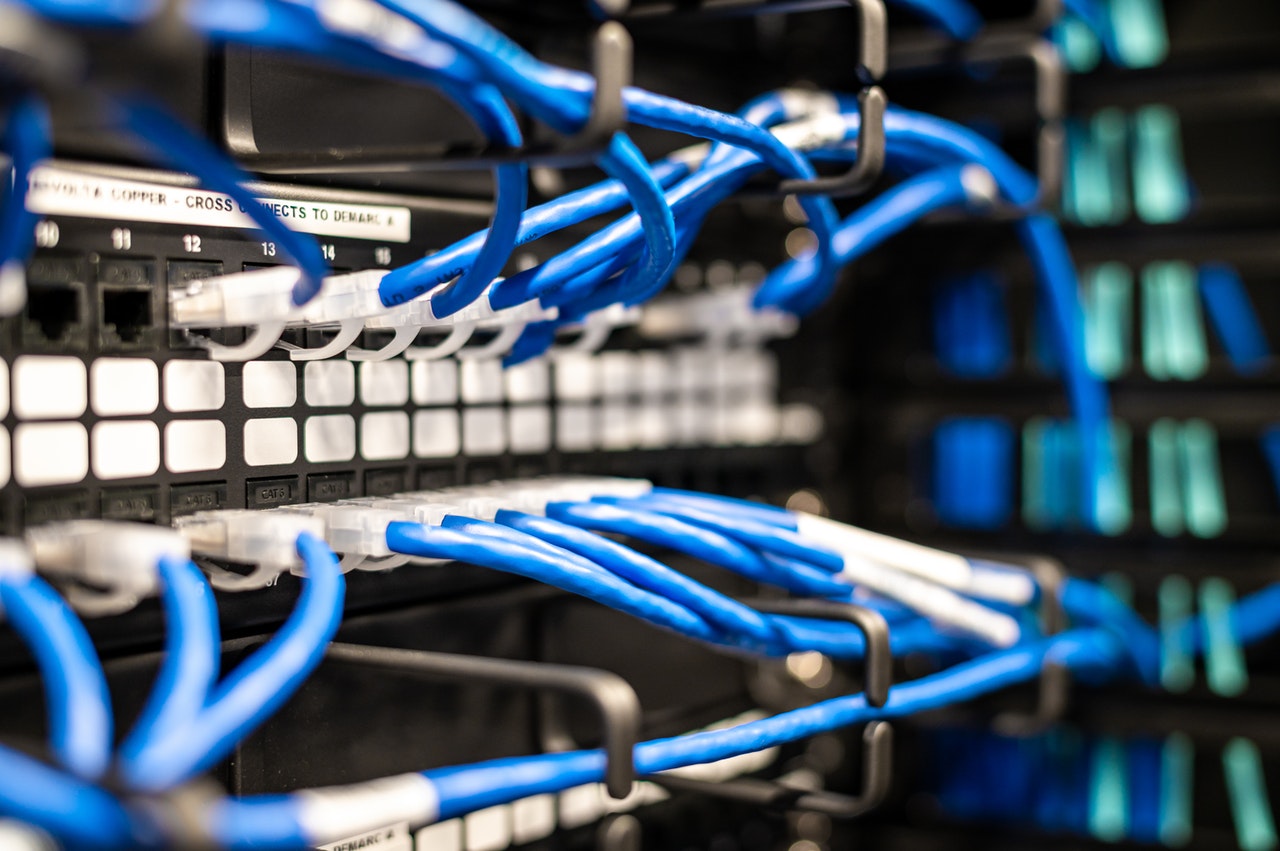
Understanding Computer Networking Basics
Computer networking is the process of connecting multiple computing devices together to share resources and information. Networks can range from a simple connection between two computers to a complex system involving multiple devices and technologies. The most fundamental component of any network is the network interface card (NIC), which allows a device to communicate over a network. Networking can be done through wired connections, such as Ethernet cables, or wireless connections, like Wi-Fi. Understanding these basic components and how they interact is the first step in grasping the broader concepts of computer networking.
Types of Networks
There are several types of computer networks, each serving different purposes. The most common types include Local Area Networks (LANs), which connect devices within a limited area like a home or office, and Wide Area Networks (WANs), which span larger geographic areas and can connect multiple LANs. Metropolitan Area Networks (MANs) cover a city or a large campus, while Personal Area Networks (PANs) are used for short-range communication between personal devices. Understanding the differences between these types of networks helps in selecting the appropriate network for your needs.
Network Protocols and Standards
Protocols are the rules that govern data communication in a network. The most commonly used protocol is the Internet Protocol (IP), which is part of the TCP/IP suite. This suite includes protocols for data transfer, error checking, and addressing. Ethernet is a widely used standard for wired networks, while Wi-Fi is the standard for wireless networks. These protocols and standards ensure that devices from different manufacturers can communicate effectively. Familiarity with these protocols is crucial for troubleshooting network issues and ensuring seamless communication between devices.
Network Devices and Hardware
Various devices play specific roles in a network. Routers direct data between different networks, while switches connect multiple devices within the same network. Modems are used to convert digital data from a computer into a format suitable for transmission over phone lines or cable systems. Access points extend the range of a wireless network, allowing more devices to connect. Understanding the function of these devices helps in designing and maintaining an efficient network. Each device must be configured correctly to ensure optimal performance and security.
Network Security
Security is a critical aspect of computer networking. Firewalls are used to block unauthorized access to a network, while encryption ensures that data transmitted over the network is unreadable to unauthorized users. Antivirus software protects against malware that could compromise network security. Virtual Private Networks (VPNs) provide secure remote access to a network. Implementing robust security measures is essential to protect sensitive information and maintain the integrity of the network. Regular updates and monitoring are necessary to defend against evolving threats and vulnerabilities.