How to Choose the Perfect Laptop for Your Needs
Discover essential tips and factors to consider when selecting the ideal laptop tailored to your personal and professional needs.
Understanding Your Usage Requirements
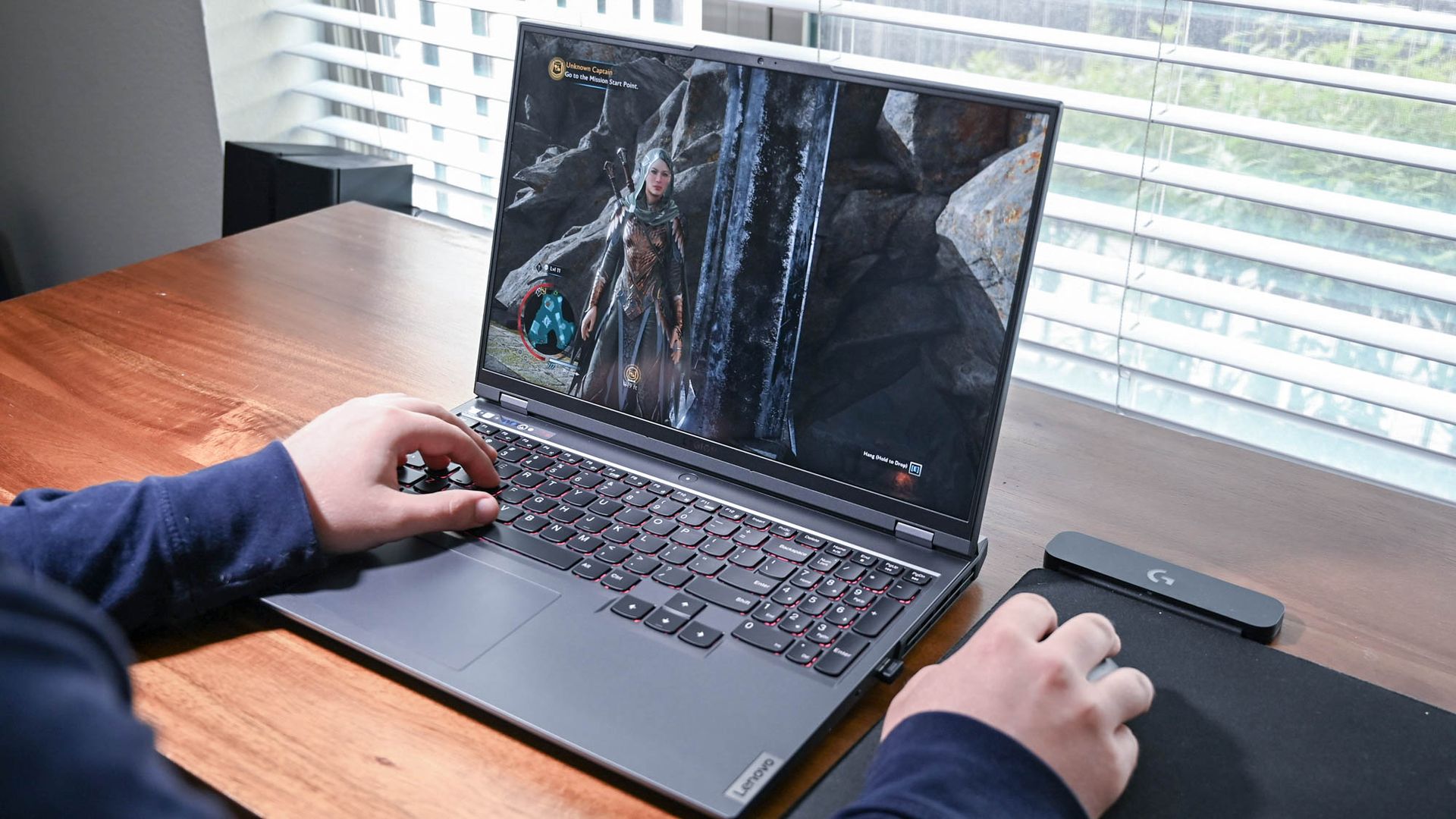
Choosing the perfect laptop starts with understanding your specific needs. Are you a gamer, a business professional, a student, or a creative professional? Each of these roles demands different specifications. For gamers, a powerful graphics card and a high refresh rate display are crucial. Business professionals might prioritize portability and battery life, while students often look for affordability and durability. Creative professionals, such as graphic designers and video editors, need high-resolution displays and powerful processors to handle intensive tasks. Identifying your primary use case will guide you in selecting the right features and specifications. Consider making a list of tasks you perform regularly and match them with the necessary hardware requirements. This initial step is crucial to narrow down the multitude of options available and ensure that your investment aligns perfectly with your daily demands.
Evaluating Processor and RAM
The processor and RAM are the heart and soul of a laptop, significantly affecting performance. The processor, often referred to as the CPU, determines how fast your laptop can process data. For basic tasks like web browsing and word processing, a dual-core processor may suffice. However, for gaming, video editing, or software development, a quad-core or higher processor is recommended. RAM, or random-access memory, works in tandem with the processor to ensure smooth multitasking. A minimum of 8GB RAM is advisable for most users, but 16GB or more is ideal for intensive tasks like 3D rendering or running virtual machines. Balancing these components according to your usage needs ensures that your laptop remains efficient and capable of handling your workload seamlessly, without unnecessary lag or delays.
Choosing the Right Storage Type
Storage is another critical factor to consider. The debate between HDD (Hard Disk Drive) and SSD (Solid State Drive) often arises when choosing a laptop. HDDs offer more storage capacity at a lower cost, making them suitable for users who need to store large amounts of data. However, SSDs provide faster data access speeds, significantly improving overall system performance. They are more reliable and durable, as they have no moving parts. For most users, a combination of both—an SSD for the operating system and frequently used applications, and an HDD for additional storage—offers the best of both worlds. This hybrid approach provides the speed of SSDs with the storage capacity of HDDs, ensuring that you do not have to compromise on performance or space.
Display Quality and Size
The display is a window to your digital world, so its quality and size should match your needs. Resolution is a key factor; higher resolutions like Full HD (1920x1080) or 4K (3840x2160) provide sharper images and better viewing experiences. Size is equally important; smaller screens (11-13 inches) enhance portability, while larger screens (15-17 inches) offer more screen real estate for multitasking or entertainment. Consider the panel type as well—IPS panels provide better color accuracy and viewing angles compared to TN panels, making them ideal for creative professionals. For those who work outdoors or in brightly lit environments, a display with good brightness and an anti-glare coating is beneficial. Prioritizing these aspects ensures that your laptop's display meets your visual and practical needs.
Battery Life and Portability
For users on the go, battery life and portability are crucial considerations. If you travel frequently or work remotely, a laptop with extended battery life can make a significant difference. Look for models offering at least 8 hours of battery life to ensure productivity without frequent charging. Additionally, consider the laptop's weight and build quality. Ultrabooks, known for their slim design and lightweight construction, are ideal for those prioritizing portability. However, ensure that the sleek design does not compromise performance or durability. Consider laptops with fast-charging capabilities, which can be a lifesaver in tight situations. By focusing on these aspects, you can choose a laptop that not only meets your performance needs but also supports your mobile lifestyle.
Budget and Future-Proofing
Finally, setting a budget is essential in the laptop selection process. While it might be tempting to go for the latest and greatest, it's crucial to align your choice with your financial plan. Determine the features you need most and find a balance between cost and functionality. Investing in a slightly more expensive model can be wise if it offers better performance and longevity. Future-proofing is another consideration; opt for laptops with upgradable components like RAM and storage. This ensures that your laptop can adapt to future demands without needing a complete replacement. By making informed decisions based on budget constraints and potential future needs, you can select a laptop that offers both immediate satisfaction and long-term value.