How to Optimize Your Computer for Gaming
Learn how to optimize your computer for gaming with practical tips on hardware upgrades, software tweaks, and system maintenance.
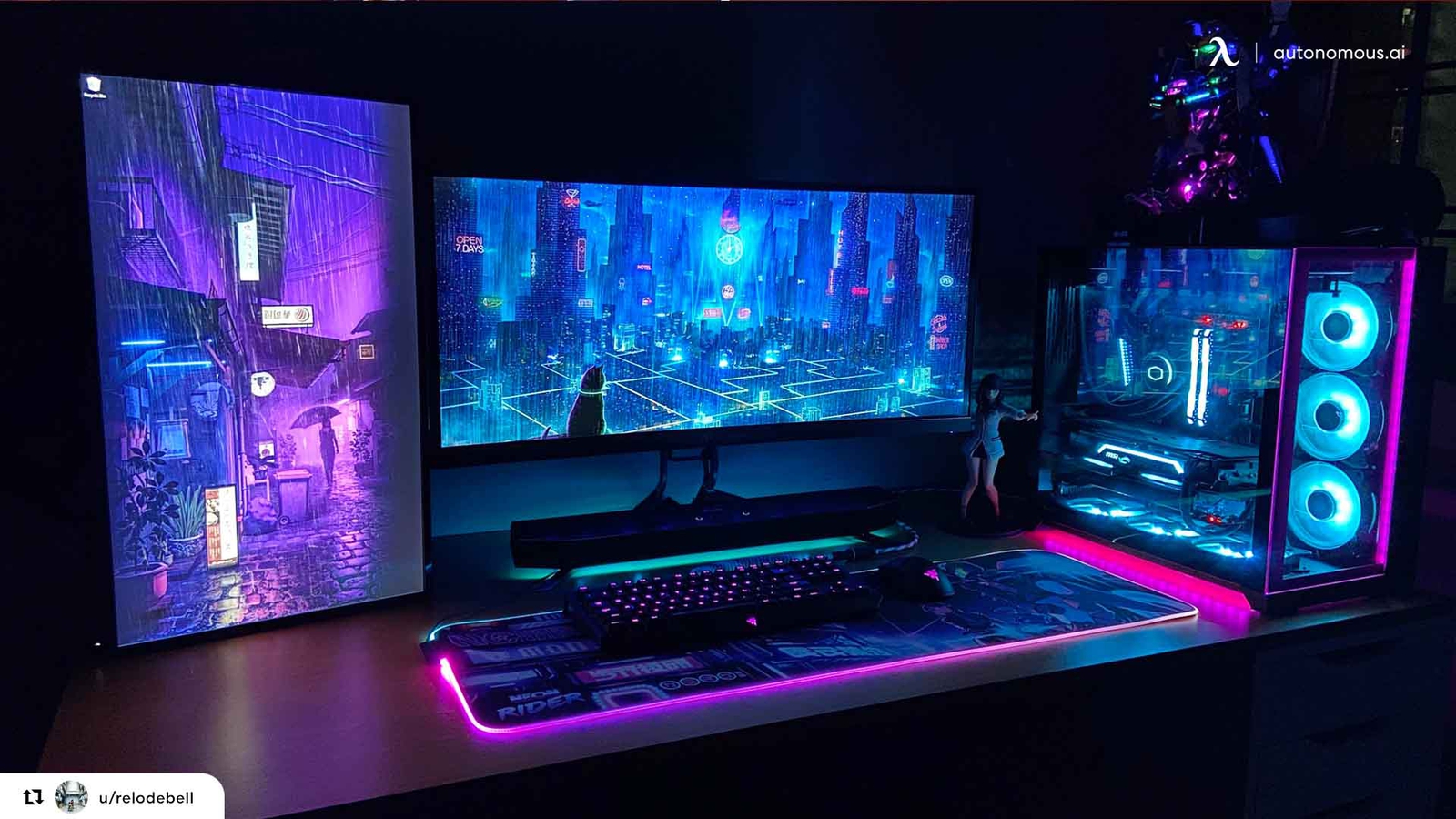
Upgrade Your Hardware
To optimize your computer for gaming, the first step is to ensure your hardware is up to the task. Start with the graphics card (GPU), as it is the most crucial component for gaming performance. Investing in a high-quality GPU can significantly improve your gaming experience. Additionally, consider upgrading your RAM; most modern games require at least 8GB, but 16GB is recommended for smoother gameplay. Don't forget about your CPU—a powerful processor can help prevent bottlenecks and ensure that your GPU runs at its full potential. Lastly, consider upgrading to an SSD for faster load times and better overall system responsiveness.
Update Drivers and Software
Keeping your drivers and software up-to-date is essential for optimal gaming performance. Graphics card manufacturers frequently release driver updates that include performance enhancements and bug fixes for the latest games. Regularly check for updates from the manufacturer's website or use software that automatically updates your drivers. Additionally, ensure that your operating system is up-to-date, as updates often include important performance improvements and security patches. Don't overlook the importance of updating your game software as well; developers frequently release patches that can improve performance and fix bugs.
Optimize Game Settings
Adjusting your game settings can have a significant impact on performance. While it may be tempting to max out all settings, doing so can strain your hardware and result in lower frame rates. Focus on balancing visual quality and performance. Lowering settings such as shadow quality, texture resolution, and anti-aliasing can result in smoother gameplay without drastically affecting visual fidelity. Many games offer presets such as low, medium, high, and ultra; experiment with these to find the best balance for your system. Additionally, consider using the resolution scaling feature to maintain higher frame rates while still enjoying high-resolution textures.
Clean and Maintain Your System
A well-maintained system can run games more efficiently. Start by regularly cleaning your computer's interior to prevent dust buildup, which can cause overheating and reduce performance. Use compressed air to clean out dust from fans, heatsinks, and other components. Additionally, keep your operating system clutter-free by uninstalling unused programs and regularly running disk cleanup utilities. Defragment your hard drive if you are using an HDD, as this can improve load times and overall system responsiveness. For SSD users, ensure that TRIM is enabled to maintain optimal performance.
Monitor Performance and Temperatures
Monitoring your system's performance and temperatures can help identify and resolve issues before they impact your gaming experience. Use software tools to monitor your CPU, GPU, and RAM usage during gameplay. High usage levels may indicate the need for hardware upgrades or settings adjustments. Additionally, keep an eye on temperatures; overheating can cause thermal throttling, reducing performance. Ensure that your cooling system is adequate, and consider adding additional fans or upgrading your CPU cooler if necessary. Regularly check for dust buildup and ensure that your computer is in a well-ventilated area.
Optimize Network Settings
For online gaming, a stable and fast internet connection is crucial. Start by using a wired connection instead of Wi-Fi to reduce latency and improve stability. If a wired connection is not possible, ensure that your Wi-Fi signal is strong and consider using a Wi-Fi range extender. Additionally, optimize your router settings by enabling Quality of Service (QoS) to prioritize gaming traffic. Close any unnecessary background applications that may be using bandwidth, and consider using a gaming VPN to reduce ping and improve connection stability. Regularly check for firmware updates for your router to ensure optimal performance.