Understanding the Basics of Computer Hardware
Explore the essential components of computer hardware, their functions, and how they work together to power your digital life.
Introduction to Computer Hardware
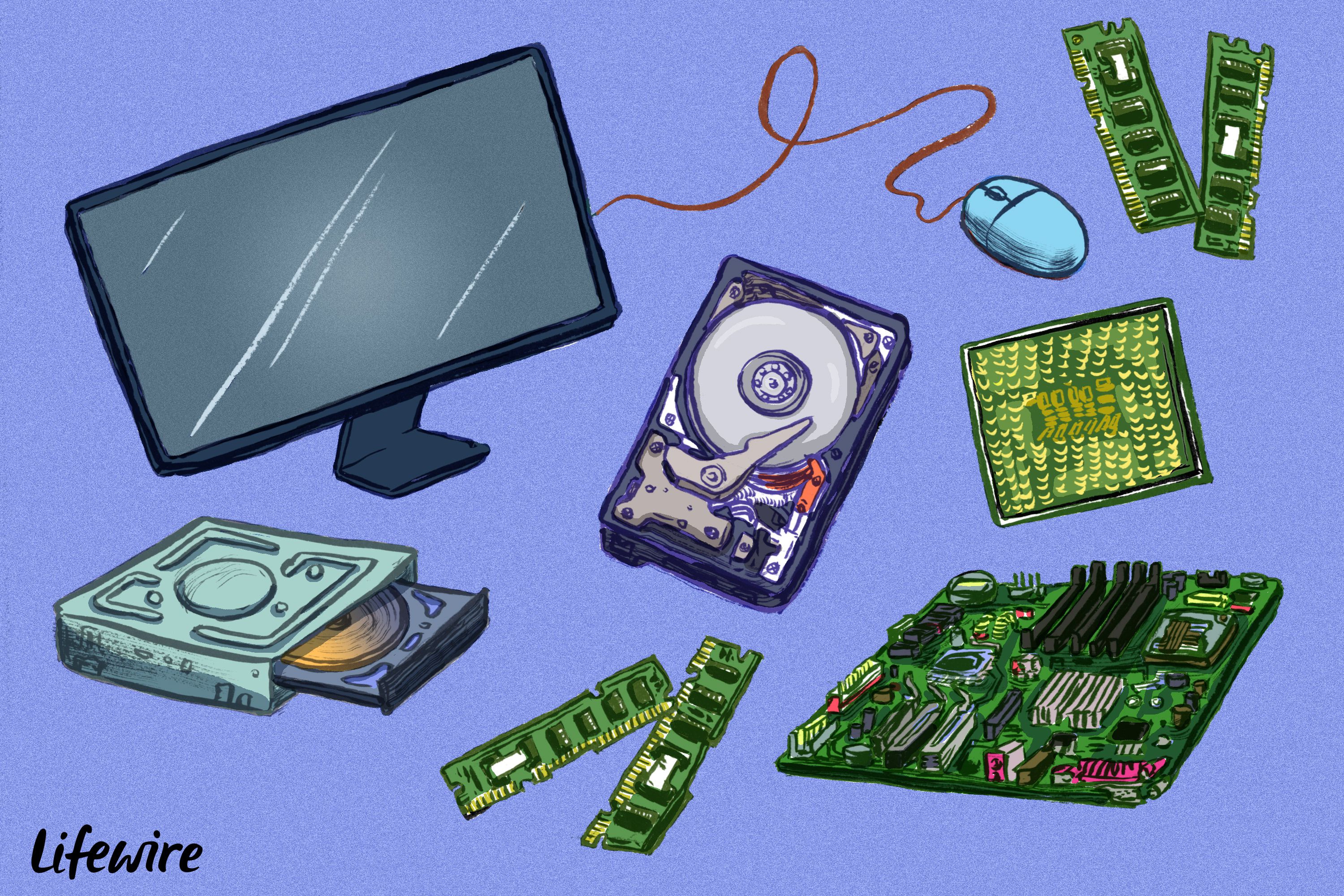
Understanding the basics of computer hardware is essential for anyone looking to delve into the world of technology. Hardware refers to the physical components that make up a computer system. These tangible parts work together to execute a variety of tasks, from simple calculations to complex operations. This article will provide a comprehensive overview of the fundamental components that form the backbone of modern computing devices.
The Central Processing Unit (CPU)
The Central Processing Unit (CPU) is often referred to as the brain of the computer. It performs most of the processing inside a computer. The CPU interprets instructions from programs and executes them, carrying out basic arithmetic, logic, control, and input/output operations. Modern CPUs are made up of multiple cores, which allow them to process multiple instructions simultaneously, thereby increasing performance. Understanding how the CPU works can help you make informed decisions when choosing a computer for specific tasks.
Memory and Storage
Memory and storage are critical components that affect a computer's performance. Memory, or RAM (Random Access Memory), provides space for the computer to read and write data that is being actively used. This allows for quick access and manipulation of information. Storage, on the other hand, refers to where data is permanently stored. Common storage devices include Hard Disk Drives (HDDs) and Solid-State Drives (SSDs). SSDs are faster and more reliable than HDDs, making them a popular choice for modern computers. Knowing the differences between memory and storage can help you understand how your computer manages and retains data.
Motherboard: The Central Hub
The motherboard is the main circuit board that connects all the components of a computer. It houses the CPU, memory, storage devices, and other essential components. The motherboard also contains slots for expansion cards, such as graphics cards and sound cards, which can enhance the computer's capabilities. Additionally, it includes ports for peripherals like keyboards, mice, and printers. The layout and features of a motherboard can significantly impact a computer's performance and expandability, making it a crucial component to understand.
Power Supply Unit (PSU)
The Power Supply Unit (PSU) is responsible for converting electrical power from an outlet into usable power for the computer's components. It ensures that each part receives the correct voltage and current. A reliable PSU is essential for the stable operation of a computer. When choosing a PSU, it's important to consider its wattage and efficiency rating. An underpowered PSU can lead to system instability, while an efficient PSU can reduce energy consumption and heat generation. Understanding the role of the PSU can help you maintain a stable and efficient computer system.
Input and Output Devices
Input and output devices are peripherals that allow users to interact with the computer. Input devices, such as keyboards and mice, enable users to enter data and commands. Output devices, like monitors and printers, allow the computer to communicate information to the user. Some devices, like touchscreens, function as both input and output devices. These peripherals are essential for the user experience, and their quality can significantly impact productivity and comfort. Knowing how different input and output devices work can help you choose the right tools for your computing needs.
Networking Components
Networking components enable computers to connect and communicate with other devices over a network. These components include network interface cards (NICs), routers, and modems. NICs allow computers to connect to a network via Ethernet or Wi-Fi. Routers direct data traffic between different devices on a network, while modems connect a network to the internet. Understanding these components is crucial for setting up and maintaining a reliable network, whether it's for a home office or a large enterprise. Knowing the basics of networking can help you troubleshoot connectivity issues and optimize network performance.